
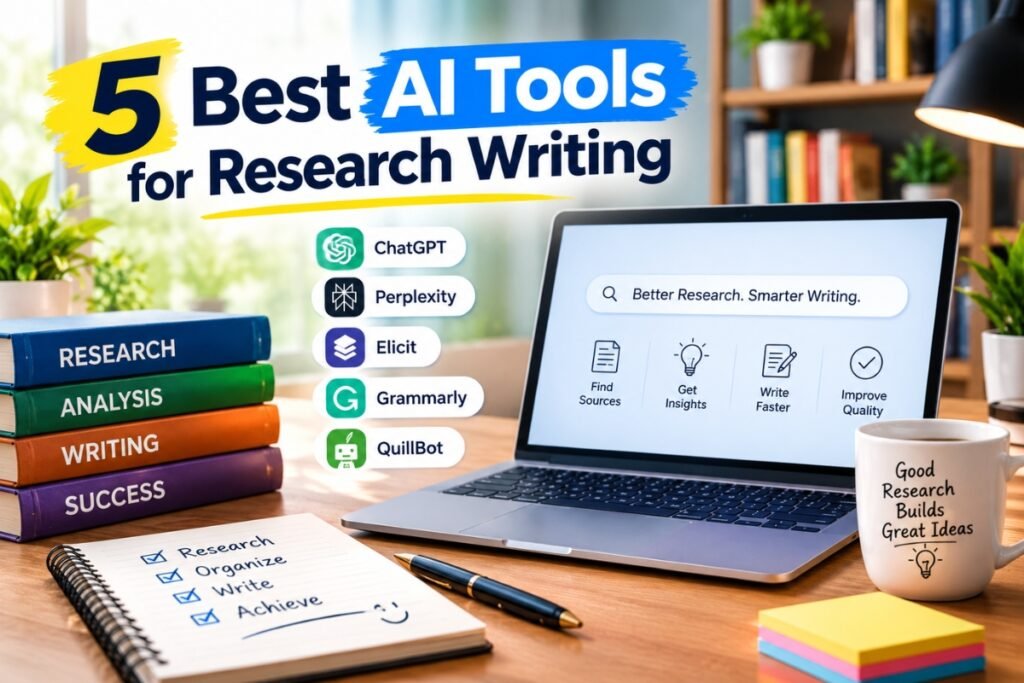
Research writing takes time: finding the right papers, reading dozens of PDFs, checking citations and organising references. In 2026, a new group of AI tools built for academic work can cut that time sharply. Unlike general chatbots, the best AI tools for research writing search real paper databases, so they point you to studies that actually exist.
Below are five tools that cover the full research workflow, from discovering papers to managing your reference list, plus tips on how to use them without risking academic integrity.
Quick Comparison
| Tool | Best for | Free option |
|---|---|---|
| Elicit | Literature reviews and data extraction | Yes (limited) |
| Consensus | Evidence-based answers to research questions | Yes (limited) |
| Scite | Checking whether citations support a claim | Limited trial |
| SciSpace | Reading and understanding complex papers | Yes (limited) |
| Zotero | Reference management and citations | Yes (fully free core app) |
Pricing and plan limits change often, so check each tool’s website for the current details.
1. Elicit: Best for Literature Reviews
Elicit is an AI research assistant designed for one of the slowest parts of academic writing: the literature review. You type a research question, and Elicit searches a database of more than 200 million academic papers, then shows the most relevant studies in a table.
Its strongest feature is data extraction. You can add columns such as sample size, method, population or main finding, and Elicit fills them in for each paper. This turns hours of reading into a structured summary you can compare at a glance.
- Use it for: systematic and narrative literature reviews, thesis background chapters, finding research gaps.
- Watch out for: extracted details can be wrong, so confirm key numbers in the original paper.
2. Consensus: Best for Quick, Evidence-Based Answers
Consensus is a search engine that answers questions using findings from peer-reviewed research. Ask something like “Does social media use affect student sleep?” and it pulls conclusions from relevant studies, with links to each paper.
For yes or no questions, its Consensus Meter shows how many studies point in each direction. This is a fast way to see where the research stands before you build your argument.
- Use it for: early topic exploration, checking claims, finding supporting evidence.
- Watch out for: the meter can oversimplify complex debates. Read the studies behind it.
3. Scite: Best for Verifying Citations
A paper being cited a lot does not mean it is right. Scite uses “Smart Citations” to show how later papers cite a study: whether they support it, contrast it or simply mention it.
This helps you avoid building your argument on a study that later research has challenged. Scite also has an assistant that answers questions with references, and a browser extension and Zotero plugin that show citation context while you read.
- Use it for: checking key sources before you cite them, strengthening critical analysis.
- Watch out for: most features need a paid plan after the trial.
4. SciSpace: Best for Understanding Difficult Papers
Some research papers are hard to read, especially outside your main field. SciSpace lets you upload or open a paper and ask questions about it in plain language: “What method did they use?”, “Explain this equation” or “What are the limitations?”.
It also includes a literature search and a tool for comparing several papers, which makes it a useful all-in-one option for students.
- Use it for: reading technical papers faster, understanding methods and statistics.
- Watch out for: explanations are simplified, so do not quote them as if they were the authors’ words.
5. Zotero: Best for References and Citations
Zotero is a free, open-source reference manager and still one of the most useful tools any researcher can have. With one click in your browser, it saves a paper’s details and PDF. It then creates citations and bibliographies in thousands of styles, including APA, Harvard, MLA, Chicago and IEEE, directly inside Word or Google Docs.
In 2026, Zotero is often paired with AI plugins that summarise PDFs or let you chat with your library. Many of the tools above, including Elicit, Consensus and Scite, can also export straight into Zotero.
- Use it for: organising sources, in-text citations, reference lists.
- Watch out for: free cloud storage is limited, so large PDF libraries may need extra storage or a local setup.
What About ChatGPT, Claude and Other Chatbots?
General AI assistants are very good at brainstorming, outlining, explaining concepts and improving the clarity of your own writing. Many researchers use them alongside the tools above. However, they are not search engines for academic papers. They can produce references that look real but do not exist, so never cite a source from a chatbot without finding and reading the original.
A Simple AI Research Workflow
- Explore your topic with Consensus to see what the research says.
- Collect and compare studies in Elicit for your literature review.
- Understand the hardest papers with SciSpace.
- Verify your most important sources with Scite.
- Save and cite everything in Zotero.
- Write in your own words, then edit with care.
For the writing stage itself, follow our step-by-step guide on how to write better assignments.
Using AI Tools Responsibly
- Read your university’s AI policy. Rules differ between institutions and even between modules.
- Verify every citation by opening the original paper.
- Keep your own voice. Use AI to find and understand research, not to write your thesis for you.
- Declare AI use when your institution or the journal requires it.
- Protect data. Do not upload unpublished or confidential research to tools that may store it.
Best AI Tools for Research Writing: FAQs
Which AI tool is best for a literature review?
Elicit is the strongest choice for literature reviews because it finds relevant papers and extracts key details into a comparison table.
Are there free AI tools for research?
Yes. Zotero is free, and Elicit, Consensus and SciSpace all offer free plans with usage limits. For most students, the free tiers are enough to get started.
Is it cheating to use AI for research writing?
Using AI to find, summarise and organise sources is generally accepted. Submitting AI-written text as your own work often breaks university rules. Check your institution’s policy and be transparent about how you used AI.
Can AI tools give fake references?
General chatbots can. Tools built on paper databases, such as Elicit, Consensus and Scite, link to real studies, but you should still open and read every source you cite.
Conclusion
The right AI tools can take hours off every stage of research writing. Elicit and Consensus help you find and understand the literature, SciSpace makes difficult papers readable, Scite checks that your sources hold up, and Zotero keeps every citation in order. Use them to work faster and think more clearly, while the ideas and the writing stay yours.
Pingback: What Is Business Process Automation? A Simple Guide to Saving Time at Work